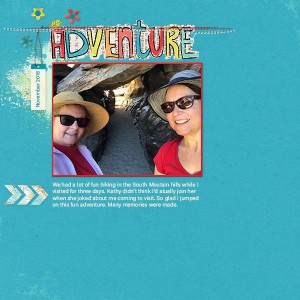
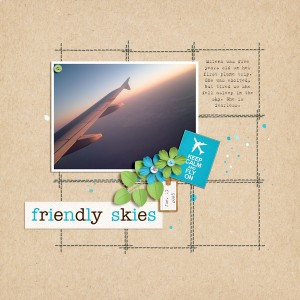
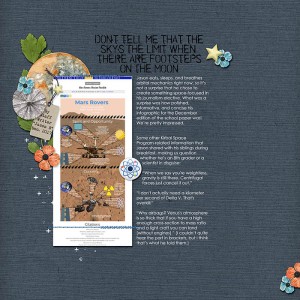
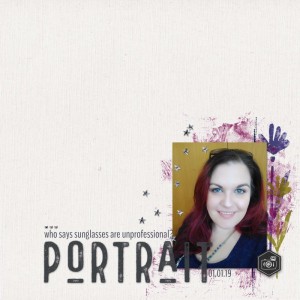
oh this is so dramatic and way cool! I love it. I also want to give you a hint of help for the MOC. YOU did everything perfect. What you can do to make it easier for YOU to post and others to click on your photo in the thread for each challenge is to use the
1. Share BB [*img]Code Code
all you have to do is click and copy the code under this title PASTE in the forum...you do NOT have to use the add image box at all! This will make a full size image and when anyone clicks on it...BAM they go right to it in the gallery! This is really great for MOC challenge threads, Speed scraps, and any other challenge.
2. Share BB [*IMG] (with Thumbnail) Code - this is a smaller (thumbsize) image that will still bring you right to your page. (this is helpful for your MOC thread and challenges to come)
*red asterisk is to keep the codes from messing up the post, they aren't actually on the titles
If you are still lost, please post and we are here to help you!
you don't have to use the image button, just paste in the forum. it has the whole html code you need.
oh no, you don't have to edit, this is just to make it easier for you and for others to click on and go right to your page to comment. you can if you want, but no worries
MOC is full of love in the gallery, it is my favorite part. I can not get over how fast the gallery moves and the comments that are happening!
thank you so much for your help! I agree- the gallery is just so amazing. I try not to look until my page is done, because otherwise I'd spend all my time just browsing all the gorgeous art.
This site uses cookies to help personalise content, tailor your experience and to keep you logged in if you register.
By continuing to use this site, you are consenting to our use of cookies.