Jan. 4 MOC challenge
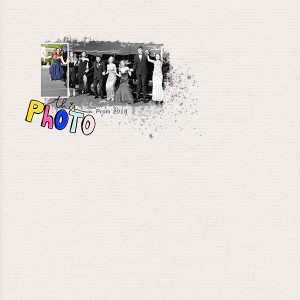
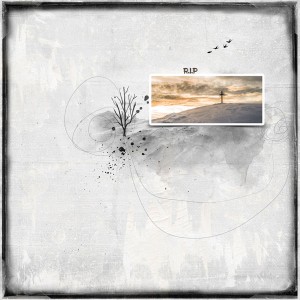
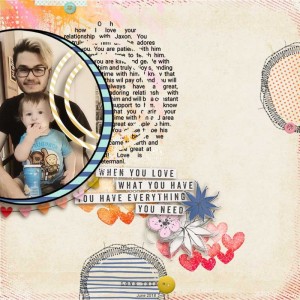
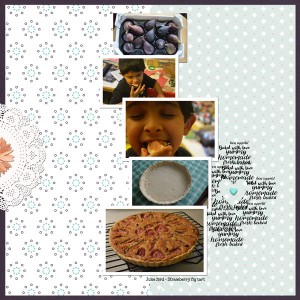
I used Just Jaimee Coffee Break kit for the paper and splatter. The wordart come from Snapshot Moments.
Fun challenge! Love this new technique I learned.
Beautiful page! I love this re the prom photo and blending it into the background an then framing your daughter soo she stand out from the group picture. Just an FYI if you are using PS/PSE you can make the photo bigger with little pixelation by opening a clean workspace and then instead of dropping into your layout, go to File > Place Embedded and then it will open up your files so you can locate where your photo is located. It will place the photo in your layout as a "smart" object and then you can use the transform tool to make it bigger. I say this as you made a comment in the challenge thread and I just wanted you to know how to do that I love your page! Thanks for playing along with my blending challenge. I am so glad you had fun using this techique!
This site uses cookies to help personalise content, tailor your experience and to keep you logged in if you register.
By continuing to use this site, you are consenting to our use of cookies.