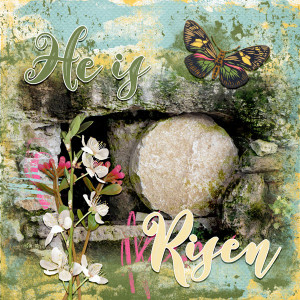

He is Risen - April Art Journaling Muse Week 2
- Description
- Created for the April Art Journaling Muse Week 2 at The Lilypad using Eggtras Bundle and CU Grunge Transparencies 2 from Paula Kesselring. Font is Baby Sunshine.
Image by TC Perch from Pixabay
This is a scraplift of Dreaming of by Aly @ajm.
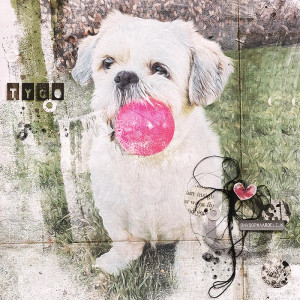
To blend the photo, I began by using the gradient tool on a layer mask. I then duplicated the photo. The bottom photo uses a lblending mode of Screen. The top photo uses a blend mode of Darker Color. For the background, I starred with a whhite/pale yellow paper. Above that is a solid yellow paper with a Darker Color blend mode to add more yellow to the background. I then clipped a blue paper to one grunge transparency and a green paper to another. My final bit of blending was to add pink and blue paint layers above the photo and then use the Underlying Layer slider to blend them in.
