

Mom
- Description
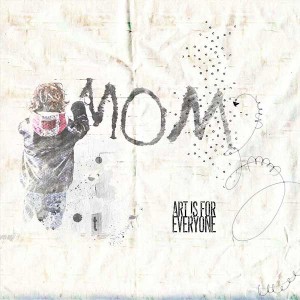
- for my page with the art & journal by NBK Design
https://the-lilypad.com/store/art-and-journal-option.html
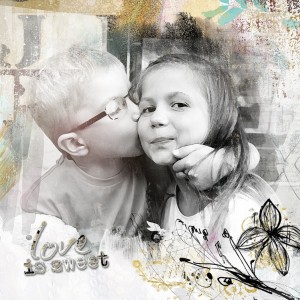
I edited the photo with the free programm Xn Sketch.
I used a neutral paper from the art & journal {Paperset: Neutrals}
Duplicated the photo, applied a mask on the duplicate and filled the mask with black. Make the original photo layer invisble, so it seems all is gone. Choose a brush, make sure your foreground color is white and paint over the photo. I used a brush from : art & journal {Painters Toolbox- Brushtools}
To finish my page I added just a few brushes and masks and the wordart.
picture is from gratisography
