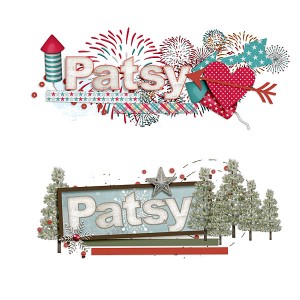
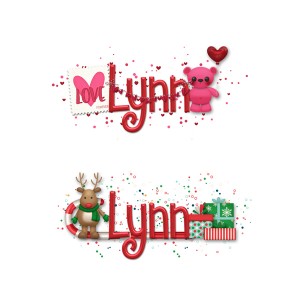
@bestcee - thanks. These are the first siggies I have ever created and I like them both but probably won't load either one since I haven't figured that out yet. I'd prefer a "no season" one (yet to be created) but the challenge called for seasons or holidays.
Here's the basics. If you need more help - hollar! TO ADD YOUR IMAGE & LINKS TO YOUR FORUM SIGNATURE
To add your new signature to the forum, complete the following steps:
Upload your siggie. If it meets the Lilypad Gallery Requirements, you can load it here. If not, use an alternate hosting site.
(TLP Gallery)
After uploading your signature to the gallery, simply copy the Share BB Code link.
(Alternate Gallery) Copy the image URL of your signature at the hosting site.
Look up to the right hand corner where your name is, and click on your name. The second link down is "Signature". Click it.
Now you will see a blank box. You can type in this box or add the signature image you created.
(TLP Gallery) Simply paste in the code from Share BB Code box that you copied earlier.
(Alternate Host) Click the icon with the mountain. Insert the URL from the above step.
Once you hit "Insert", you have the option of pressing "Preview" or "Save Changes". Make sure you Save Changes before you leave this screen.
This site uses cookies to help personalise content, tailor your experience and to keep you logged in if you register.
By continuing to use this site, you are consenting to our use of cookies.