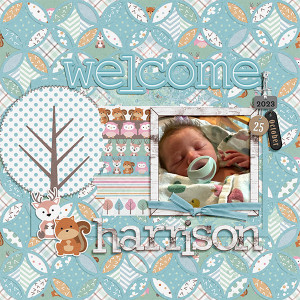
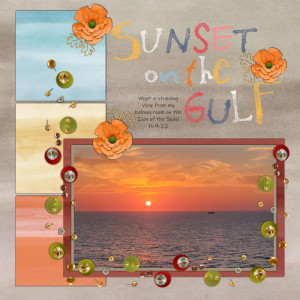
Ooh I love how you’ve used the dark brown paper in the template! So striking! I also love how you’ve made the photo shine by keeping it big and framing it with both a frame and with the title.
@umyesh , thank you. Achieving “the look” that I’m imagining often means that I stop, go back, change or add, and repeat several times. This doesn’t look, even a bit, like a Shimelle layout but I used one of her “rules” as I was creating it: the answer is usually ADD MORE. In this case it was the second layer using the dark brown, the frame, the alpha with more substance, more words to the title, and the framed date. Each bit helped but wasn’t enough by itself. Your comment helped me put words to what I did which will make remembering it next time (there will be another time for sure) easier.
Yes, this template ended up more challenging than I thought it would be. I think it largely depends on the paper mix, or at least it was for me. I had a very specific color set in mind for mine and I spent a LOT of time rearranging the papers within the template to get something that was visually appealing to me. It still had to have some visual "order" to it or it just looked jumbled.
The dark brown paper is what ties all of your page together. It grounds it all and gives the eye a place to rest among the more random colors. Your photo is beautiful, love the large size frame to keep the focus on it. I also love the large name plate for labeling the photo. Thanks for playing along in the challenge!
This site uses cookies to help personalise content, tailor your experience and to keep you logged in if you register.
By continuing to use this site, you are consenting to our use of cookies.