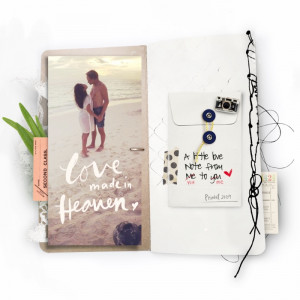
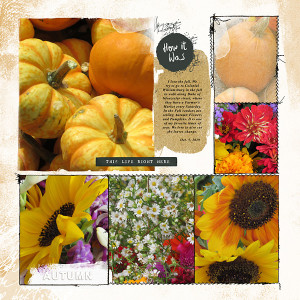
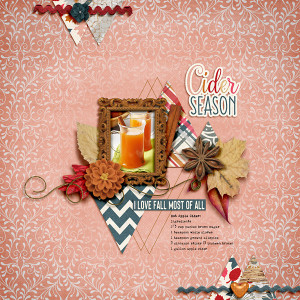
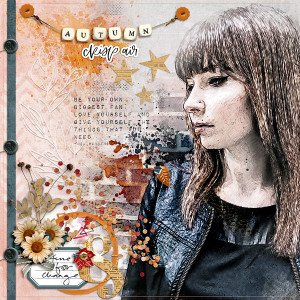

Autumn (BYOC Chall)
- Description
- Sept BYOC new release Frriday on sale through Sunday 9/6 at the Lily Pad
Credits:
Amy Wolff | Honey Hill - Elements
http://the-lilypad.com/store/Honey-Hill-Elements.html
Amy Wolff | Honey Hill - Papers
http://the-lilypad.com/store/Honey-Hill-Paper-Pack.html
Elif Sahin Designs | Notes from the Road - Elements
http://the-lilypad.com/store/Notes-from-the-Road-Elements.html
Kim Jensen | Eclectic Autumn - Elements
https://the-lilypad.com/store/Eclectic-Autumn-Elements.html
NBK Designs | Art Crush No. 31 Artsy Bits & Pieces
https://the-lilypad.com/store/artCrush-No31-bits-pieces.html
NBK Designs | Art Crush No. 31 Artsy Bits & Gesso Pieces
https://the-lilypad.com/store/artCrush-No31-Artsy-Bits-and-Pieces.html
font: Pea Aubrey
-----------------------
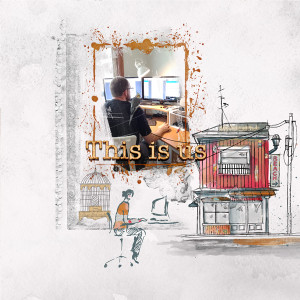
photo from pexel.com (people-2563492_1920 ) that I ran through Akvis Sketch
