
Owl
- Description
- Credits:
TCC-Surface-Marks01-01
TCC-Surface-Marks01-011
TCC-Surface-Marks01-027
TCC-Surface-Marks01-029
TCC-Build Template Mosaic Blocks
VPearce - Moments_of_Special_minikit_freebie (heart) (retired)
prd_BasketfulOfLove_staple (retired)
prd_autumntrails_stitch
prd_makeithappen_branch_dried
prd_owlmylove_twig (retired)
prd_owlmylove_wa_hoot (retired)
prd_owlmylove_wa_whooolovesyou (retired)
sahlinstudio_foamstamp_bl_quotes (blog freebie)
font: Airbender
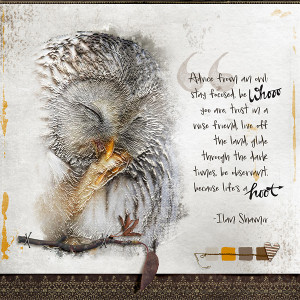
Owl Photo is a free stock photo from pexels.com 98350010_3484935104868687_5899401708659802112_n
Quote found on the internet
-----------------------
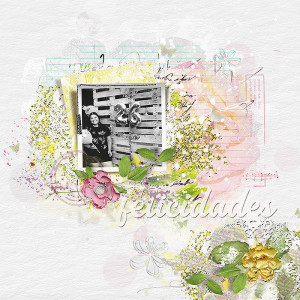
I created a reversed mask and brushed in the parts of the owl.. I also used the bas relief filter from the filter gallery in PS and duplicated it several times with different blend modes until I got it as I wanted... I had fun experimenting!! TFL!
------------------------
my quick tutorial regarding how I got the texture is here: https://the-lilypad.com/forum/threa...er-gallery-to-achieve-texture-on-photo.72644/
