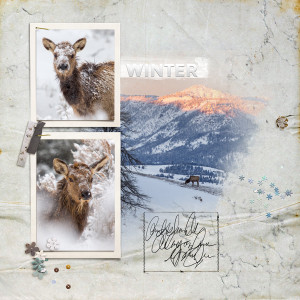
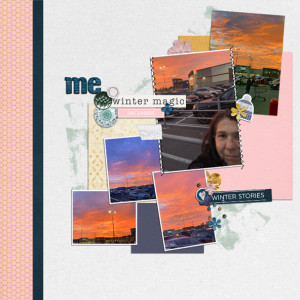
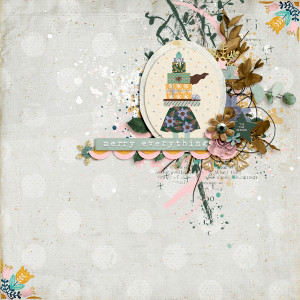
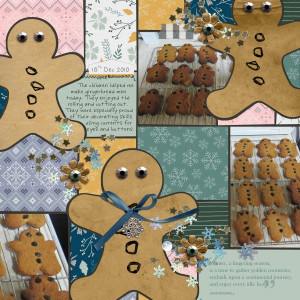
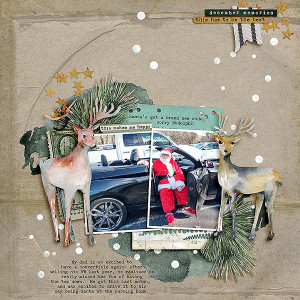
Cath - if you are using Photoshop CC, you can highlight your photo layer and right-click and then select "Create Clipping Mask" and that will clip it to the layer below. Now that I'm thinking about it, in Windows the clipping mask keyboard sequence is Ctrl-Alt-G. Love your beautiful page, and love the use of the swirls. Great design!
love the backgrd paper you chose, it compliments the swirls nicely! (and sounds like Heather has given you a hand with clipping -clipping masks are one of my fave things about digi!)
This site uses cookies to help personalise content, tailor your experience and to keep you logged in if you register.
By continuing to use this site, you are consenting to our use of cookies.