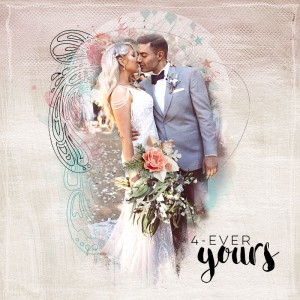
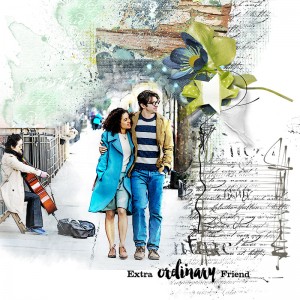
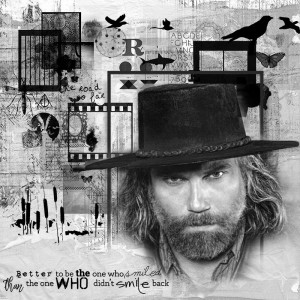
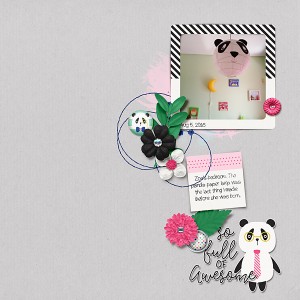
I truly love this! Love the painted photo effect with the painted background, the scribbles on the right and the chosen elements! The colors match so well!
@cookingmylife
Sure can, I love to share techniques, you just gave me an idea for my first challenge of 2019.
1. Add a reversed layer mask to the original photo (ALT+Mask Icon makes the mask black). Use a soft white brush to reveal the part of the image you want to be showing.
2. Duplicate the original image layer and while on that layer go to Filter>Stylize>Find edges (You can make the edges darker if needed by Image>Adjustments>Levels)
3. While still on the Find Edges layer, change the Blend Mode to Overlay.
I suppose it depends on the image you have used as to which blend mode is best, you can also use the mask to reveal or hide any parts.
Hope this helps
This site uses cookies to help personalise content, tailor your experience and to keep you logged in if you register.
By continuing to use this site, you are consenting to our use of cookies.