***CLOSED winner announced***BYOC Color Inspiration Challenge - DSD 2018

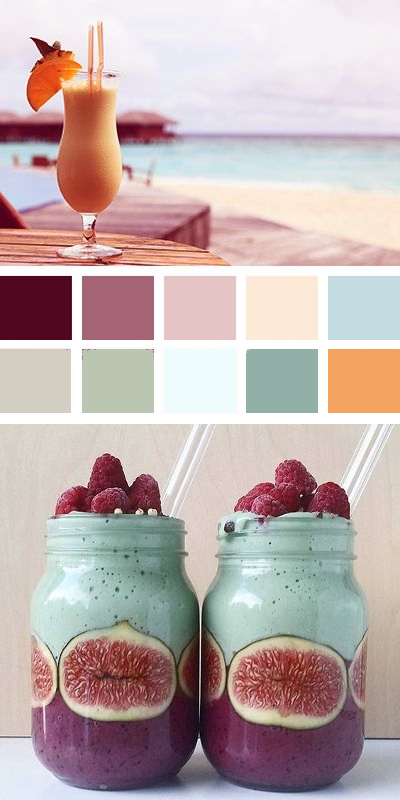
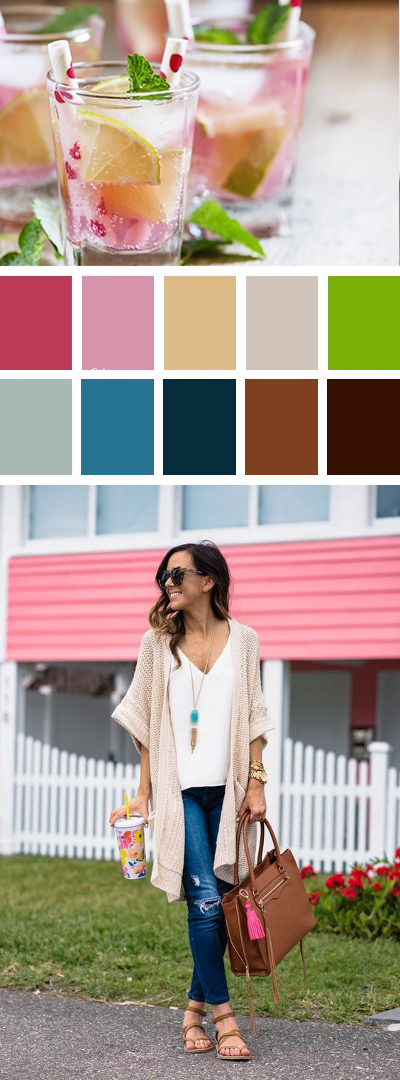
Here's mine - never done this before; what fun!
full


Photos:
https://www.pinterest.com/pin/469429961143027764/
https://www.pinterest.com/pin/AT5F2LQ4ZQqQIjEWLH48sSQtVDq90ElD4hJsMlKSIZOp5C5CA_fX_EQ/
http://www.swankyrecipes.com/strawberry-cream-mimosa.html?crlt.pid=camp.6vTdFsAteQl1
https://www.pinterest.com/pin/9007267974364717/
https://www.pinterest.com/pin/77053843594747483/
https://www.pinterest.com/pin/368802656981944050/
 
I am not sure about the process of linking an image from say Pinterest directly here... Sure it must be put someplace else first... I have used tinyurl for off site linking.... any advice is appreciated....
If you are posting an completed image from Pinterest: Click into the original source (not the pin) and save the image you have selected to use in a place easy to find on your computer. Copy the page link to post below the image here (your source). Come back here and reply - go ahead and paste the link source. Then click the pink Upload a File button below the message box (on the right below - middle button). Once you click that button you can upload the saved image. You will see the image below the message box with buttons to select the size it shows. Place your cursor where you want the image to go and select -->full size. Voila!

If you are needing to combine a few different pictures you can make a layout of your photos and your swatch colors. You can from there either put it into our gallery or upload directly into into this thread (like above instructions). If you put into our gallery there is a button on the right copy this link --> Share BB
 
If you are posting an completed image from Pinterest: Click into the original source (not the pin) and save the image you have selected to use in a place easy to find on your computer. Copy the page link to post below the image here (your source). Come back here and reply - go ahead and paste the link source. Then click the pink Upload a File button below the message box (on the right below - middle button). Once you click that button you can upload the saved image. You will see the image below the message box with buttons to select the size it shows. Place your cursor where you want the image to go and select -->full size. Voila!

If you are needing to combine a few different pictures you can make a layout of your photos and your swatch colors. You can from there either put it into our gallery or upload directly into into this thread (like above instructions). If you put into our gallery there is a button on the right copy this link --> Share BB


Will give it a try... tomorrow... I know how to link from the site, but assumed you did not want a bunch of color palettes in the gallery...
 
Will give it a try... tomorrow... I know how to link from the site, but assumed you did not want a bunch of color palettes in the gallery...

It's probably better if you just upload to this thread, but feel free to use the gallery if you run into difficulty. I didn't think about the TLP product rules for the gallery, but it's not like there are other products on your color palette though. :)
 
This palette was inspired by a Carolina spring: vivid green leaves, red clay soil, and bright blue sky.
I took the picture at Hagood Mills, a local attraction that features reconstructions of an 1800s cabin, general store, and bootleggers' still. Hex colors are: 045a01, 62a603, e2725b, a0d434, e0f1ad, f4f2ef, adeaf4, 683635.

Carolina Spring.jpg
 
Last edited:
Those of you who submitted only one or two - you still have time to create up to 3 entries for your chance to win it ALL!
 
Back
Top