Dalis
Jose Cuervo is NOT a good friend
- Joined
- May 6, 2011
- Messages
- 21,594
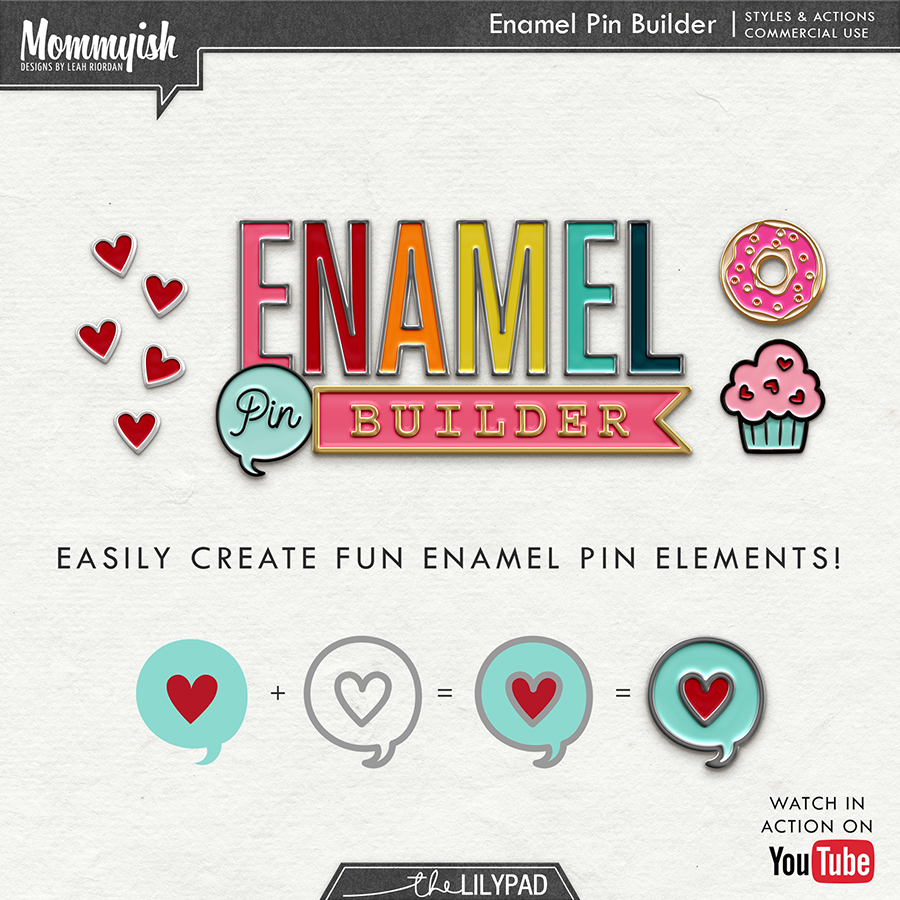
A few months ago Mommyish (Leah) released the Enamel Pin Builder and started a Pin Exchange.... which made a lot of us very happy and very addited to creating PINS! She also released an add-on with additional styles for your pins called Glittery Enamel Pin Styles. I will be the first one to say that I can't have enough of them! I can't WAIT to see all the pins from the exchange! AND.... I CAN'T wait to do this all over again this month! I sent Leah a private message to volunteer myself to run this challenge because I NEED to HAVE MORE PINS! This time we are going to follow a very loose theme.... drum roll please........ the theme is MAY & JUNE! So what ever is that you do, or scrap, or experience during the month of MAY & JUNE is a GO!
Just in case you have no clue about what product I am talking about that revolutionized our pin making skills, here it is:
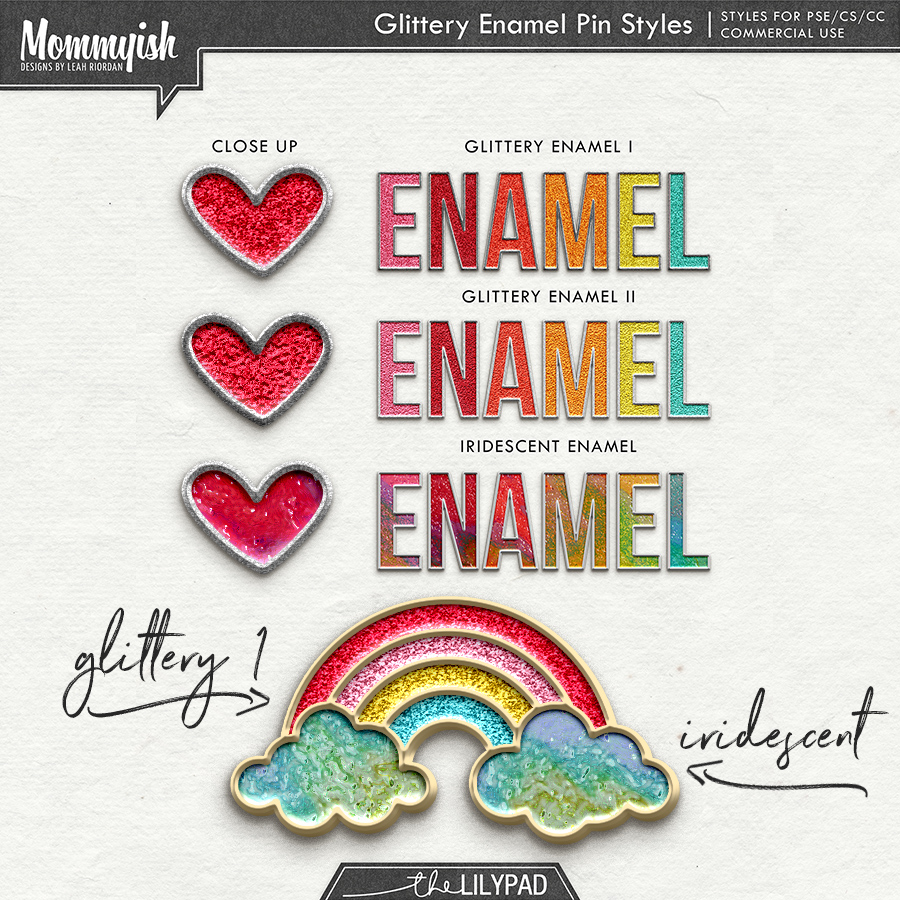
These is the preview of our loot for April! Aren't they amazing? Thanks for your patience.... I told you it was WORTH IT!

How do I even make a pin?!
Still unsure - watch this video!
Drawing from scratch? Watch this one!
How do I save my pin for other folks?!

I can not wait to see what you guys come up with! Try to limit yourself to no more than 5 pins
Deadline is May 31st, 11:59pm EST
Just in case you have no clue about what product I am talking about that revolutionized our pin making skills, here it is:
These is the preview of our loot for April! Aren't they amazing? Thanks for your patience.... I told you it was WORTH IT!
How do I even make a pin?!
- Install the Enamel Pin Builder Styles & actions
- Watch the video tutorials for your program - if you are still unsure - hit me up here and I will be happy to help you out.
 . @angiekey created the following step by step instructions for those that like written instructions better. HERE
- Have an idea! If you aren't sure look up "enamel pin" on pinterest and you flooded with ideas.
- Get creative. <3 Use shapes, your brush tool, text, etc!
Still unsure - watch this video!
How do I save my pin for other folks?!
- You will want to create a new document that is 300ppi in RGB format with a transparent background.
- Keep in mind that pins shouldn't be GIGANTIC - ideally you will want your pin to be smaller than 2 inches. (600 pixels)
- When you save your pin be sure to save it as a .PNG file (this maintains the transparent background)
- Save the file as username_tlp-xchange_pinname.png for example I'd save mine as mommyish_tlp-xchange_rainbow.png
- UPLOAD HERE
I can not wait to see what you guys come up with! Try to limit yourself to no more than 5 pins
Deadline is May 31st, 11:59pm EST
Last edited: