
Trish
Well-Known Member
- Joined
- Mar 6, 2018
- Messages
- 1,943
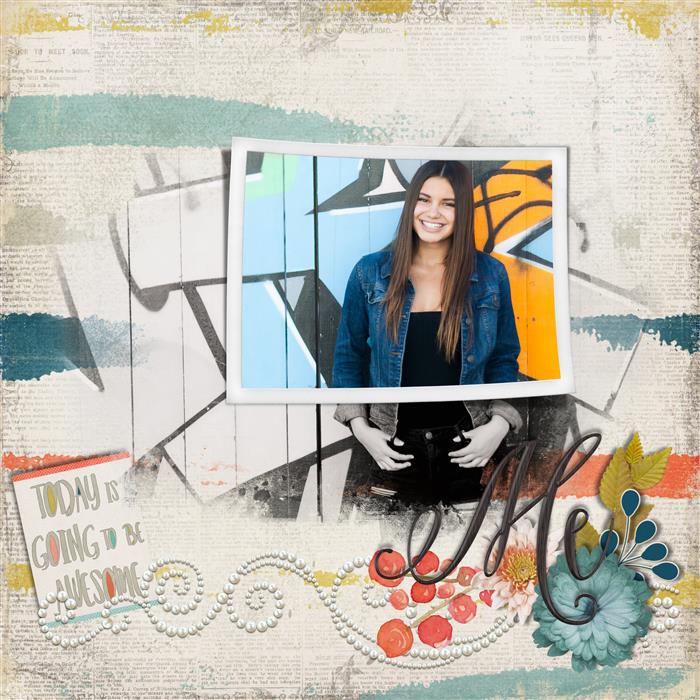
Great challenge! Here is my take
Last edited:
Follow along with the video below to see how to install our site as a web app on your home screen.
Note: This feature may not be available in some browsers.


Christa Thank youTracy in the screen shot for step 12 if you look at the layer pallet, you will see I am clipping my photo to the filled in rectangle. If you look at the filled in rectangle layer in the layer pallet there is a style attached to the filled in rectangle. I have added a white stroke to it and then added a shadow. I am using PS CC soI am adding the styles a double shadow but you can do that in PS if you have a prior version or in PSE too by setting your stroke and shadow then group your layer and then do another shadow to the group.
My workspace is 600X600 so my style settings are here:
in the thumb nails. I hope this helps.
View attachment 314302 View attachment 314303 View attachment 314304 View attachment 314305
Let me know if that helps. If it doesn't and you need further assistance Tracy, please PM me
That helps If I need additional assistance I will PM you.


Thank you Judy for assisting!!!Sent you a PM.


